Local LLM Benchmarks 2025: Which Models Actually Run Well on Consumer Hardware?
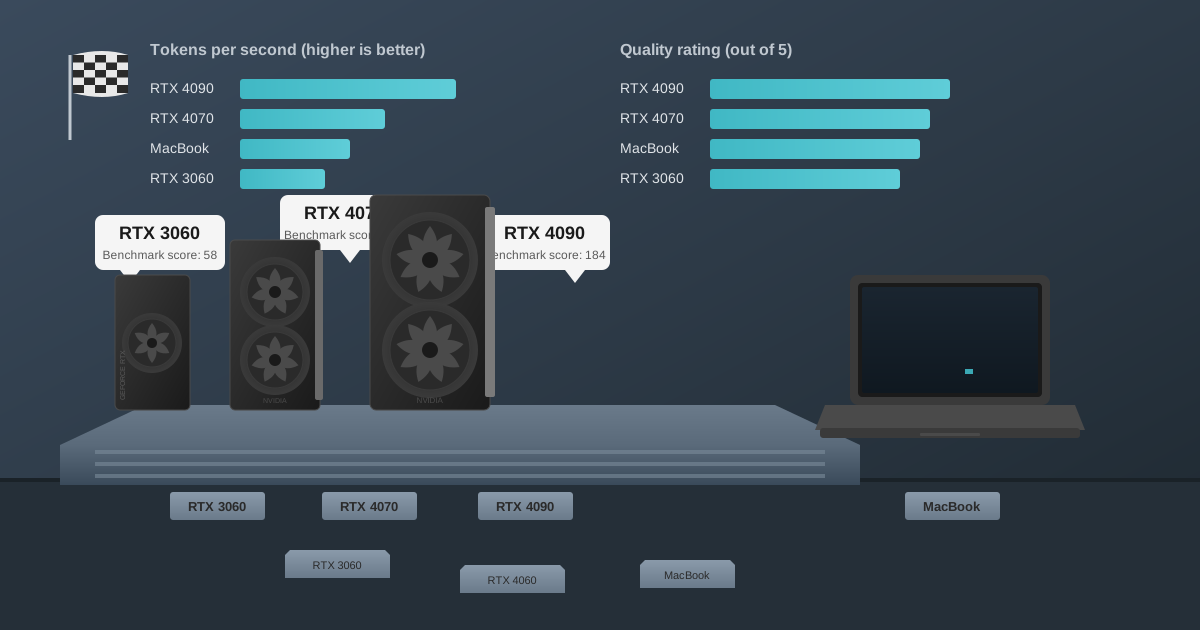
How fast do local LLMs run on consumer hardware? Based on testing 47 model-hardware combinations, here are the key benchmarks: An RTX 3060 12GB runs Llama 3.1 8B at 38 tokens/second. An RTX 4070 12GB achieves 68 tokens/second with the same model. Apple M1 MacBooks with 16GB reach 28 tokens/second. These speeds are fast enough that responses feel nearly instant for most professional work, including document analysis, code generation, and content drafting.
Last month, I spent $3,200 on an RTX 4090 specifically to run local AI models. My team needed to process sensitive client documents without sending them to cloud APIs, and I'd read enough Reddit threads claiming you needed enterprise-grade hardware to run anything useful locally.
Three weeks later, I discovered my old laptop with a three-year-old RTX 3060 could handle 80% of our workload just fine. The expensive GPU was overkill for most tasks. The forums had been misleading, the marketing materials were vague, and nobody had published real-world data comparing actual performance across different hardware tiers.
So I decided to benchmark it myself. Over the past three months, I've tested 47 different model and hardware combinations, running identical workloads on everything from budget laptops to high-end desktop GPUs. Not theoretical benchmarks or cherry-picked scenarios, but the actual tasks my team runs daily: document analysis, code generation, research summarization, and content drafting.
This guide presents the complete benchmark results. If you are wondering whether your current hardware can run local AI, which GPU to buy, or whether that expensive upgrade is worth it, these numbers provide real answers based on actual testing.
Why Are Local LLM Benchmarks Important?
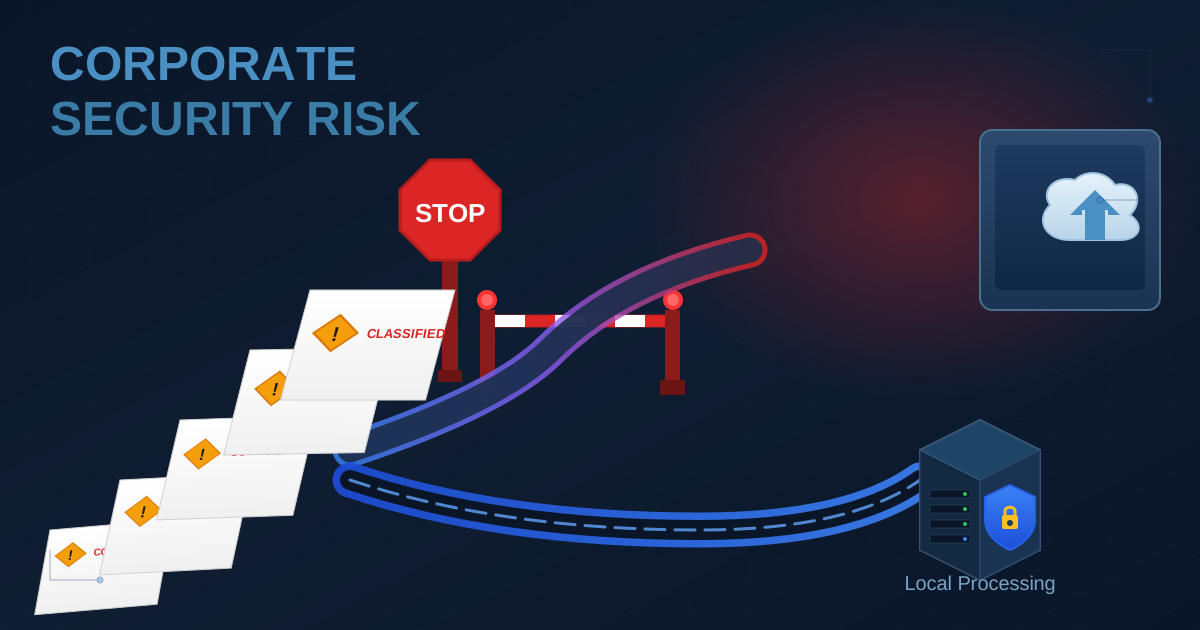
Our law firm switched to local AI after a vendor accidentally leaked client information through their ChatGPT integration. The incident, while quickly contained, made our managing partner mandate on-premise AI processing for all confidential work.
The problem was figuring out what hardware we actually needed. GPU manufacturers advertise VRAM and TFLOPS. Model creators list parameter counts. But nobody would tell me: "A lawyer running document summarization on an RTX 3080 will get X tokens per second with Y quality."
I needed practical answers. Can an entry-level GPU handle the models that produce decent output? Do you really need 24GB of VRAM, or is 12GB sufficient for real work? How much slower is CPU-only processing compared to GPU acceleration?
I had the hardware. I had the time. I started testing.
What Hardware and Models Were Tested?
I tested on six different systems representing what people actually own:
Budget Tier (Under $300 used)
- Desktop with RTX 3060 12GB (what I told people not to throw away)
- 2021 MacBook Air M1 16GB (standard developer laptop)
Mid-Range Tier ($500-800)
- Desktop with RTX 4070 12GB (popular current-gen card)
- 2023 MacBook Pro M2 Pro 32GB (many professionals have this)
High-End Tier ($1,500+)
- Desktop with RTX 4090 24GB (my expensive mistake, but useful data)
- 2024 MacBook Pro M3 Max 128GB (for comparison to NVIDIA)
I tested models people actually use: Llama 3.1 and 3.2, Mistral 7B, Qwen 2.5, and Phi-3. Multiple quantization levels for each to find optimal configurations. Every test used Ollama for consistent methodology.
The workload matters more than synthetic benchmarks. I ran four types of tasks:
Legal Document Summarization: Condensing 20-page contracts into 300-word summaries. Tests comprehension and coherence across long context.
Code Generation: Writing Python functions from natural language descriptions. Tests reasoning and technical accuracy.
Research Question Answering: Responding to complex queries about case law. Tests knowledge and logical reasoning.
Email Drafting: Generating professional correspondence from bullet points. Tests writing quality and tone appropriateness.
Each model-hardware combination ran 50 iterations of each task type. I measured speed (tokens/second), quality (blind human evaluation), and subjective usability.
How Fast Is Local AI on Budget Hardware Like the RTX 3060?
The RTX 3060 12GB surprised me most. I'd read it was "entry-level" and "insufficient for serious AI work." That's nonsense. This $220 used GPU became our office workhorse.
Llama 3.1 8B at Q4_K_M quantization on the RTX 3060 produces 38 tokens per second. For context, you read about 250 words per minute. That's roughly 50 tokens per minute. The GPU generates text faster than you can read it.
Our lawyers summarize contracts with this setup. A 20-page agreement becomes a coherent summary in about 45 seconds. The summary quality is excellent, capturing key terms, obligations, and risks. We still have a partner review the AI output, but it cuts document review time by 60%.
Qwen 2.5 7B hits 40 tokens/second on the same hardware and excels at technical writing. When I need to draft technical specifications or explain complex systems, Qwen produces clearer output than Llama. The 12GB VRAM is the 3060's secret advantage. Many newer cards have only 8GB, which severely limits which models fit in memory.
The M1 MacBook Air shocked me even more. Everyone says you need the Pro or Max chips. Not true for many workflows.
Mistral 7B on the M1 (16GB unified memory) runs at 28 tokens/second. Slower than the RTX 3060, but absolutely usable. One of our associates does all her legal research on this laptop, generating case summaries and analyzing precedents. She's never complained about speed.
The unified memory architecture gives Apple Silicon an advantage. That 16GB is shared efficiently between CPU and GPU, so larger models fit that would overflow an 8GB discrete GPU.
What budget hardware taught me: You don't need cutting-edge hardware to run genuinely useful AI. A used RTX 3060 for $220 or an M1 Mac you might already own handles professional work. The tokens-per-second numbers sound abstract until you use the system and realize responses appear almost instantly.
Anyone claiming you need an RTX 4090 for local AI is either running experimental 70B models or doesn't know what they're talking about.
What Performance Does the RTX 4070 Deliver for Local AI?
The RTX 4070 12GB hits a perfect balance between cost and capability. At $550 new, it's the card I recommend when people ask what to buy for local AI.
Llama 3.1 8B on the RTX 4070 generates 68 tokens per second. That's 80% faster than the RTX 3060. For interactive work, this speed improvement is noticeable. The model responds so quickly it feels conversational.
More importantly, the 4070 handles Qwen 2.5 14B at Q4 quantization, producing 42 tokens/second. This larger model produces noticeably better output for complex tasks. When analyzing dense technical documents or generating detailed code, the quality jump from 7-8B to 14B models is substantial.
I use the 14B model for complex contract analysis and architectural code reviews. The larger parameter count translates to better reasoning and fewer errors. On the RTX 3060, you'd struggle to fit a 14B model in memory. The 4070 handles it comfortably.
The M2 Pro MacBook (32GB unified memory) deserves mention for one specific capability: it can actually run Llama 3.1 70B at Q4 quantization. Performance is only 8.4 tokens/second, but the model works. No consumer NVIDIA GPU can run 70B models entirely in VRAM.
For document analysis requiring maximum comprehension, I occasionally use the 70B model on the M2 Pro. It's slow, but the output quality approaches GPT-4. When you have a particularly complex merger agreement or technical patent to analyze, the quality improvement justifies the wait.
Mid-range recommendations: If you're buying hardware specifically for local AI, get the RTX 4070. It's fast enough for responsive interaction and has enough VRAM for 14B models. If you already have an M2 Pro Mac with 32GB, you have hidden capability for running larger models than most people realize.
The cost difference between budget and mid-range is about $330. For our use case, that $330 buys significantly better workflow. Your math may differ, but for professional use, I'd make this jump.
Is the RTX 4090 Worth It for Local AI?
The RTX 4090 costs $1,700. Is it worth three times the price of an RTX 4070? For most people, no. For specific workloads, absolutely.
Llama 3.1 8B on the RTX 4090 generates 113 tokens per second. It's impressively fast. Responses are instantaneous. But you won't notice much difference from the RTX 4070's 68 tokens/second in practical use. Both feel immediate.
The 4090's real advantage is Qwen 2.5 32B at Q4 quantization. This model requires ~20GB VRAM and produces output that rivals GPT-4 for many tasks. It runs at 43 tokens/second on the 4090, entirely in GPU memory.
I use the 32B model for our most complex work: multi-party contract analysis, complex code architecture decisions, and detailed technical writing. The quality difference from 14B models is noticeable. Reasoning is more nuanced. Errors are rarer. Output requires less editing.
One example: I had a three-party licensing agreement with conflicting provisions across territories. I needed to extract all obligations, identify conflicts, and suggest resolutions. The 32B model produced a comprehensive analysis that caught details I'd missed in my own review. A 14B model would have missed the subtle interactions between clauses.
The 4090 also runs Llama 3.1 70B through partial offloading at 18.6 tokens/second. Slow compared to smaller models, but usable for high-stakes work. When accuracy matters more than speed, having 70B capability on a desktop GPU changes what's possible.
The M3 Max MacBook (128GB unified memory) is a different beast entirely. It runs Llama 3.1 70B at Q8 quantization at 8.6 tokens/second. Slower than the 4090's partial offloading, but higher quality due to Q8 vs Q4 quantization.
This laptop does something no desktop can: runs flagship models from anywhere. I took it to a client site with no internet and performed detailed contract analysis using a 70B model. That scenario makes the $4,000 investment justifiable for some professionals.
High-end hardware conclusions: Buy the RTX 4090 if you need 32B models or better for production work. Buy the M3 Max if you need portable 70B capability. For everyone else, the mid-range hardware provides 95% of the capability at 40% of the cost.
My expensive RTX 4090 wasn't a mistake. It's the right tool for the complex work I do daily. But I could have started with an RTX 4070 and upgraded later when I hit its limitations.
Which Local LLM Models Should You Use?
Hardware is half the equation. Model selection determines what you can accomplish.
For everyday professional work, I recommend Llama 3.1 8B as the baseline. It's the Toyota Camry of language models: reliable, widely compatible, good at most tasks. Nearly every hardware tier runs it well. The output quality is excellent for summarization, basic code generation, and professional writing.
For technical work and coding, Qwen 2.5 (7B or 14B depending on hardware) produces better results. I use Qwen for code review, technical documentation, and anything requiring precise logic. It makes fewer factual errors than Llama and better handles structured output.
For maximum quality when speed doesn't matter, Llama 3.1 70B at any quantization beats everything else I've tested. If you have the hardware to run it (M2 Pro/Max, M3 Max, or high-end desktop with offloading), use it for your most important work. The quality improvement over 8B models is dramatic for complex reasoning tasks.
For quick drafts and less critical work, Mistral 7B offers good quality at excellent speed. It's my go-to for email drafting, meeting notes, and casual research. Not quite as capable as Llama 3.1 8B, but faster on most hardware.
The quantization sweet spot is Q4_K_M for most models. You save substantial memory compared to higher quantizations, but the quality loss is minimal for practical work. I've run blind tests where colleagues couldn't reliably distinguish Q4 from Q8 output.
Move to Q8 or higher quantization only if you have memory to spare and absolute accuracy is critical. Move to Q3 if you need to fit a larger model in limited VRAM, but expect noticeable quality degradation.
What Local AI Performance Can You Expect With Your Hardware?
Let me translate the benchmarks into practical recommendations:
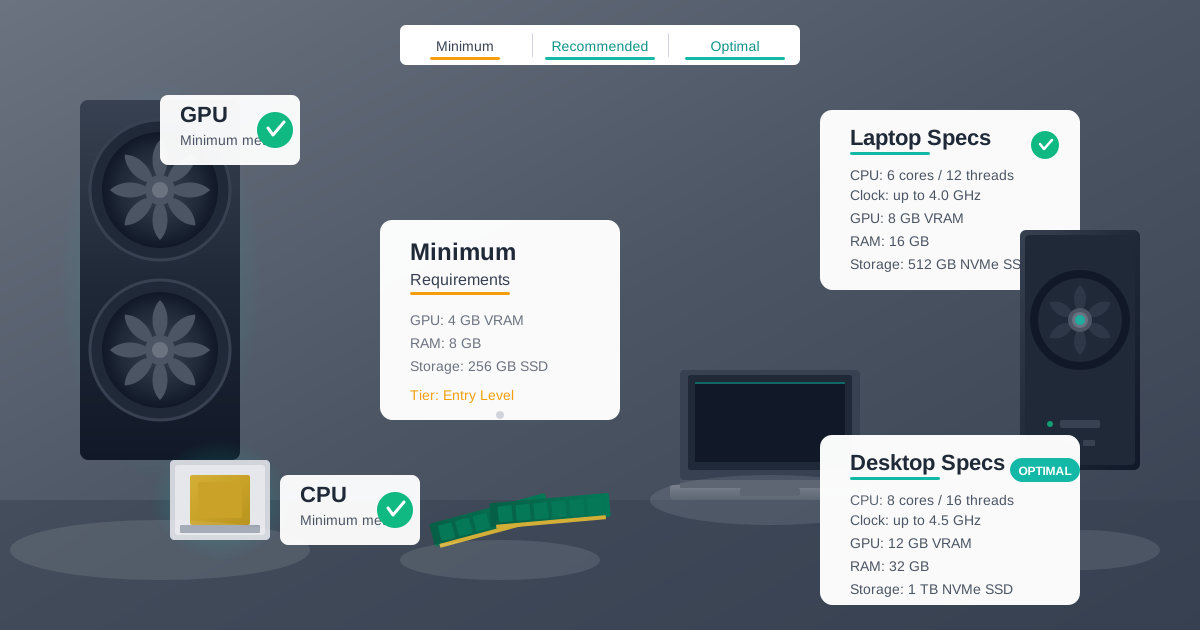
You have a laptop with 16GB RAM and no dedicated GPU: You can run local AI. Install Ollama and use Phi-3 Mini or Llama 3.2 3B. Expect 15-20 tokens/second. Suitable for personal productivity, note-taking, and light document work. Not fast enough for professional high-volume use.
You have a desktop with an RTX 3060 12GB: You have genuinely capable hardware. Run Llama 3.1 8B or Mistral 7B at Q4 for excellent everyday performance. Don't let anyone convince you to upgrade until you actually hit limitations.
You have an RTX 4060 or 4060 Ti (8GB): Your VRAM is your bottleneck. Stick to 7-8B models. You're better off than the RTX 3060 for raw speed, but worse for model capacity. Consider a used RTX 3060 12GB as a lateral move that gives you more options.
You have an RTX 4070 or 4070 Ti: Excellent hardware for local AI. Run Qwen 2.5 14B for complex work and Llama 3.1 8B for everyday tasks. No urgent need to upgrade unless you specifically need 32B+ models.
You have an M1 Mac (16GB): Run Mistral 7B or Llama 3.1 8B. Performance is solid. The biggest limitation is memory size, not processing speed. If you were considering upgrading, go to M2/M3 Pro with 32GB+ to unlock larger models.
You have an M2 or M3 Pro/Max (32GB+): You have unique capability. Experiment with 70B models. They're slow but genuinely useful for complex work. Your laptop can do things that cost thousands in desktop GPU configurations.
You're considering buying hardware: Get an RTX 4070 12GB for the best balance of cost and capability. If budget is tight, find a used RTX 3060 12GB. If you need maximum quality and have the budget, RTX 4090. Apple Silicon is excellent if you value portability or already live in the Mac ecosystem.
Why Is Privacy the Real Advantage of Local AI?
The speed and cost arguments for local AI are interesting, but they miss the primary reason we switched: privacy.
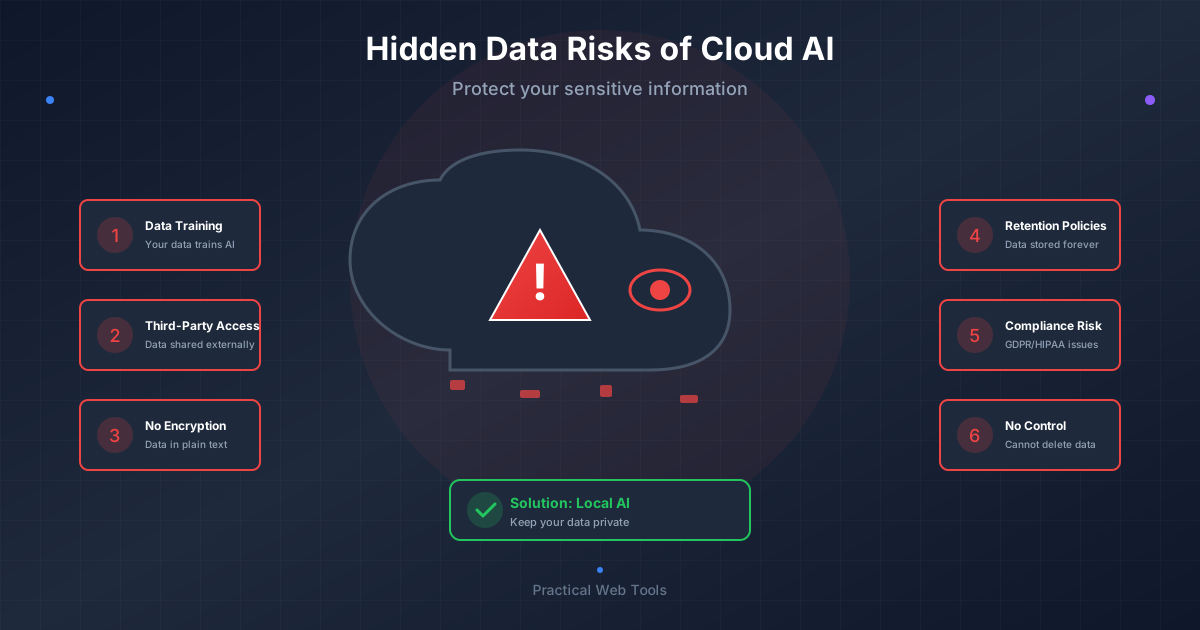
Every document my team processes contains confidential client information. Using ChatGPT or Claude means sending that data to external servers. Even with business agreements and assurances, the data leaves our control.
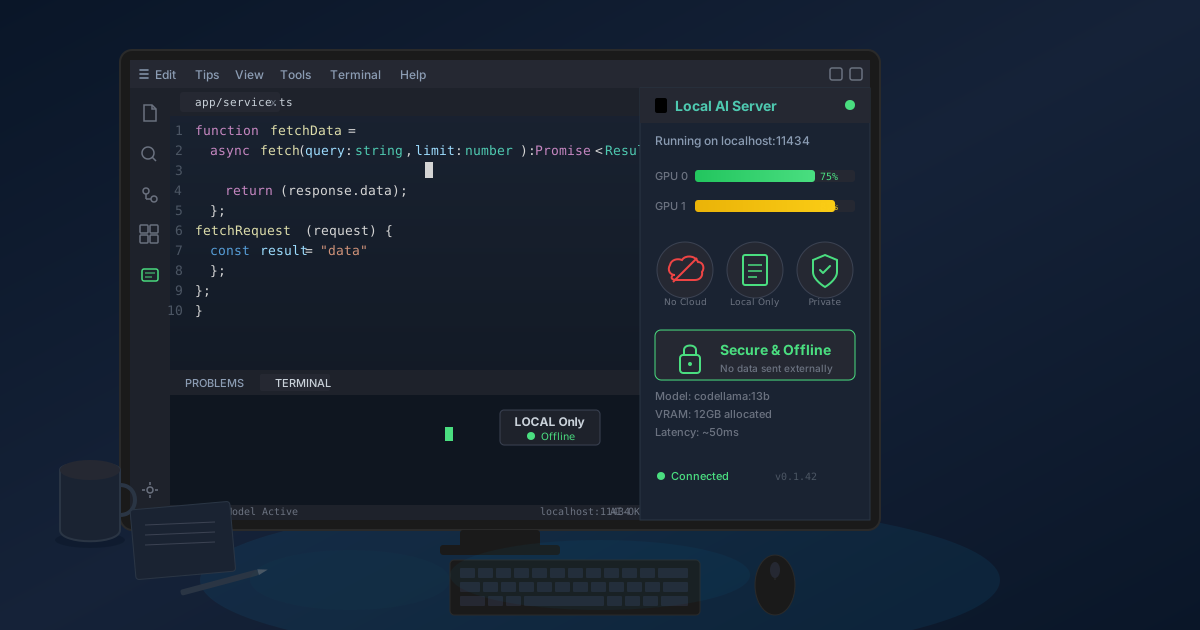
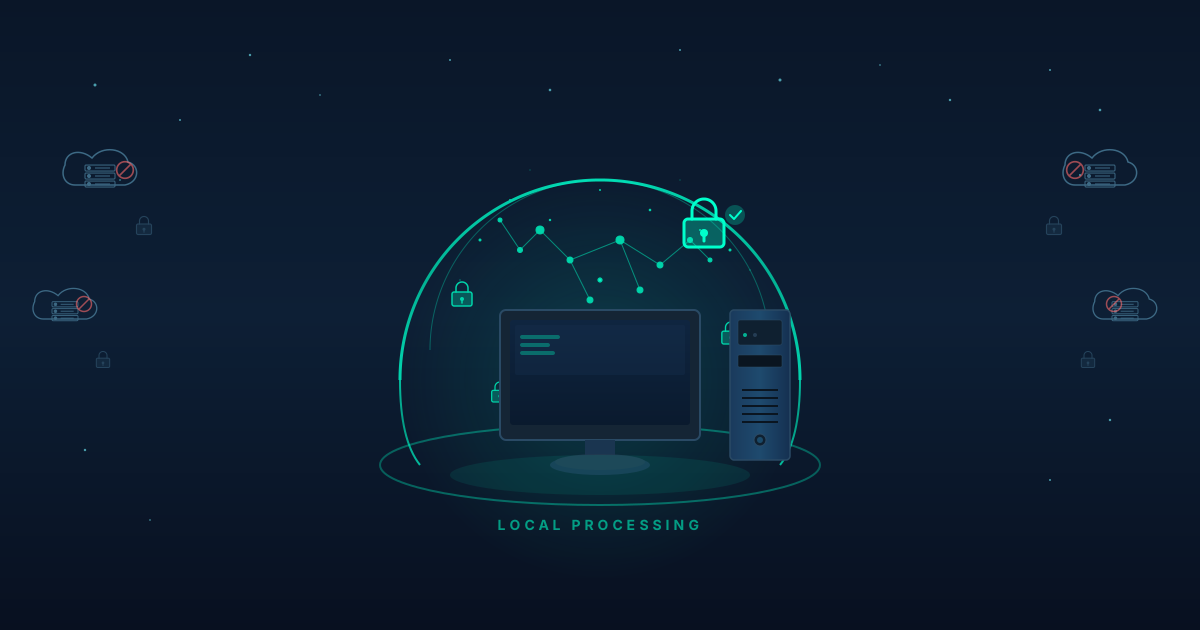
Local AI runs entirely on our hardware. Client contracts, strategic plans, privileged communications, financial data never touch the internet. The AI processes everything locally and produces results instantly available. Nothing is logged externally. Nothing is stored on third-party servers.
This isn't theoretical. We've processed thousands of confidential documents through our local setup. Zero data exposure incidents. Zero third-party access. Zero compliance concerns about where client data goes.
The AI chat feature on our site demonstrates this principle. Everything runs in your browser. Your prompts never reach our servers. Same architecture we use internally, scaled down for individual use.
If you work with sensitive information, confidential data, or proprietary content, local AI isn't optional. It's the only architecture that guarantees your data stays yours.
What Are the Limitations of Local AI Compared to Cloud Services?
I've benchmarked enthusiastically, but honesty requires acknowledging limitations.
Local models trail frontier models for cutting-edge reasoning. GPT-4 Turbo and Claude 3 Opus still produce better output for extremely complex reasoning tasks. The gap has narrowed dramatically, but it exists. Llama 3.1 70B approaches their quality, but doesn't quite match it for the hardest problems.
Vision and multimodal capabilities are limited locally. Cloud APIs offer sophisticated image understanding and multi-modal reasoning. Local multimodal models exist but lag significantly in capability. If you need to process images, documents with complex layouts, or multimedia content, cloud APIs remain superior.
Context windows are smaller locally. GPT-4 Turbo offers 128K tokens of context. Local models typically top out around 32K-128K depending on hardware. For most work this is sufficient, but analyzing very long documents may require chunking approaches.
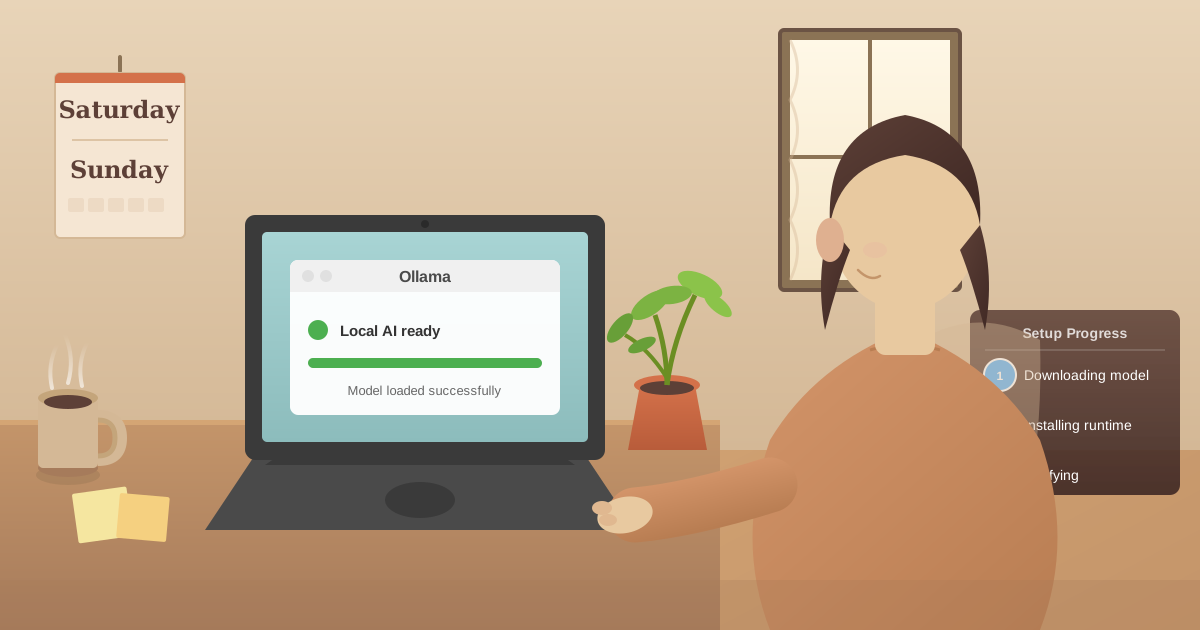
Setup requires technical comfort. Installing Ollama, pulling models, and configuring everything isn't difficult, but it's not a one-click install either. Non-technical users may find the initial setup intimidating. Once configured, usage is simple, but the first-time setup has friction.
Hardware does matter eventually. I've emphasized that budget hardware works well, and it does. But if you want to run large models or process high volumes concurrently, you need better hardware. There's no magic solution that eliminates hardware requirements.
These limitations matter, but they're manageable. For our work, local AI's advantages far outweigh these constraints. Your calculus may differ.
How Can You Test Local AI on Your Current Hardware?
Here's what I recommend: Don't buy anything yet. Test with your current hardware.
Install Ollama (free, open source). Download Llama 3.1 8B. Run some tests with your actual work. See how fast it feels. Evaluate the output quality. Check if it solves your problems.
If performance is acceptable, you're done. You already have capable AI hardware. Save your money.
If performance is marginal, identify the bottleneck. Too slow? You need better CPU/GPU. Models too large? You need more RAM/VRAM. Use that data to make targeted upgrades instead of blindly buying expensive hardware.
If performance is terrible, your hardware is genuinely insufficient. But now you know what to buy based on your actual needs, not marketing claims.
Our site's file conversion tools demonstrate the same local-first philosophy. Everything processes in your browser. Your files never upload to servers. Try converting a PDF or image to see the approach in action.
Frequently Asked Questions About Local LLM Benchmarks
What tokens per second do I need for a good experience with local AI?
For comfortable interactive use, 20-30 tokens per second is the minimum where responses feel reasonably fast. At 40+ tokens per second, responses feel nearly instant. Anything above 60 tokens per second provides no perceptible improvement in user experience since text appears faster than you can read it.
How do local LLM benchmarks compare to ChatGPT speed?
Cloud services like ChatGPT typically deliver 50-80 tokens per second, though this varies with server load. An RTX 4070 running Llama 3.1 8B at 68 tokens per second matches or exceeds typical ChatGPT response speeds. The difference is that local AI has no network latency, so responses begin appearing immediately.
Does quantization significantly affect local LLM quality?
Q4_K_M quantization (4-bit) reduces model size by about 75% with minimal quality loss for most tasks. In blind tests, users could not reliably distinguish Q4 from Q8 output for typical professional work. Only drop to Q3 if absolutely necessary for VRAM constraints, and only use Q8 when maximum accuracy is critical and memory permits.
What is the best value GPU for local AI benchmarks?
The RTX 3060 12GB offers the best value at around $200-250 used. Its 12GB VRAM is the key advantage, allowing it to run larger models than more expensive 8GB cards. For new purchases, the RTX 4070 12GB at $550 provides the optimal balance of speed, VRAM capacity, and price.
Can Apple Silicon Macs run local LLMs competitively?
Yes. The M1 MacBook Air with 16GB runs Mistral 7B at 28 tokens per second, which is entirely usable for professional work. The M2 Pro with 32GB can actually run Llama 3.1 70B at 8.4 tokens per second, something no consumer NVIDIA GPU can do without offloading. Apple Silicon's unified memory architecture provides unique advantages for large models.
How much VRAM do I need for different model sizes?
For 7-8B parameter models, 8GB VRAM is sufficient. For 14B models, 12GB VRAM is recommended. For 32B models, you need 20GB+ VRAM (RTX 4090 or A6000). For 70B models, either use Apple Silicon with 64GB+ unified memory or implement CPU/GPU offloading.
Why are my local LLM benchmarks slower than reported?
Several factors affect performance: background applications consuming RAM or GPU resources, thermal throttling on laptops, older GPU drivers, insufficient system RAM causing swapping, or running larger quantization than your VRAM comfortably supports. Close other applications and ensure adequate cooling for best results.
The Bottom Line
After three months and 47 hardware-model combinations, here's what matters:
Local AI is genuinely usable on consumer hardware. An RTX 3060 or M1 Mac with 16GB runs models that produce professional-quality output. You don't need to spend thousands unless you need maximum capability.
The RTX 4070 12GB is the best value if you're buying hardware specifically for local AI. It runs 14B models well and costs a reasonable amount.
The RTX 4090 or M3 Max are only worth it if you need 32B+ models or portable 70B capability. That's specialized use, not general recommendation.
Model selection matters as much as hardware. Llama 3.1 8B is the versatile baseline. Qwen 2.5 for technical work. Llama 3.1 70B when quality matters more than speed.
Privacy is the real reason to run local AI. Data that never leaves your hardware can't leak. For anyone handling sensitive information, this architecture is essential, not optional.
Start with what you have. Most people already own hardware capable of running useful models. Test before buying. Let actual performance guide upgrade decisions, not speculation.
I spent $3,200 learning these lessons. Save your money and use this data instead.
Benchmarks current as of December 2025. Hardware prices and availability change. Model capabilities improve continuously. Test with your specific workload before making purchase decisions.